How to Use PartnerShare with RedTrack: Setup & Workflow
Running a SaaS affiliate program means two jobs have to work at once: paying the right partners for the right conversions, and knowing which traffic sources actually produce customers. PartnerShare handles the first job — recruiting promoters, tracking referral clicks and signups, calculating commissions, and settling payouts. RedTrack handles the second — server-side click and conversion attribution across Meta, Google, TikTok, and other channels, with cost sync and automated optimization rules.
Used together, the two platforms close a gap that trips up many SaaS teams: partner-sourced revenue and paid-media attribution living in separate dashboards. This article explains how the pieces fit, how to wire them up, and what the combined workflow looks like in practice.
Why combine PartnerShare and RedTrack?

First viewport screenshot of www.partnershare.com.
PartnerShare is built for affiliate and referral programs: an affiliate marketplace for promoter discovery, in-product referral tracking, automated commission calculation, fraud and chargeback protection, and multi-currency payouts. RedTrack is built for ad tracking and attribution: first-party cookie and server-side click capture, real-time conversion attribution, Conversion API event enrichment, and Stop Rules that pause or scale campaigns based on conversion data.
The overlap is tracking. The difference is the question each tool answers.
| Question | Tool that answers it |
|---|---|
| Which partner drove this signup or deal? | PartnerShare |
| How much commission is owed and to whom? | PartnerShare |
| Which ad channel, campaign, or creative produced this conversion? | RedTrack |
| Should this campaign be paused or scaled today? | RedTrack |
| Did a partner's traffic convert after the click? | Both, via postback |
If you only run PartnerShare, you know partner performance but not how partner traffic compares with your paid channels. If you only run RedTrack, you can optimize media buying but you have no structured way to recruit, reward, and pay partners. Connecting them gives you one conversion record that serves both purposes.
How the integration works conceptually
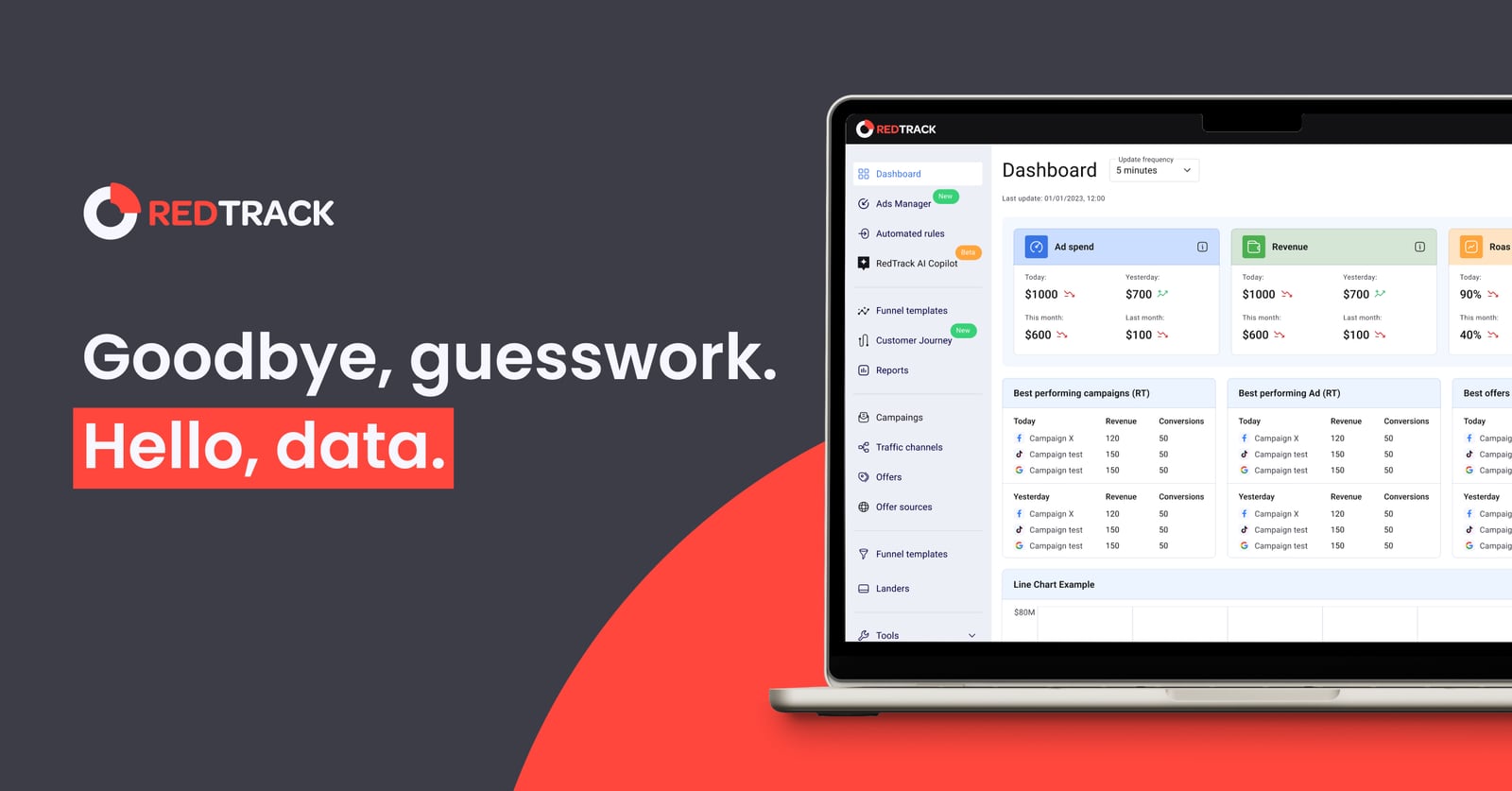
RedTrack product interface.
The connection is a postback (server-to-server callback) plus consistent click identifiers. In plain terms:
- A promoter shares a PartnerShare tracking link.
- A visitor clicks, lands on your SaaS site, and signs up or purchases.
- PartnerShare records the conversion against the promoter.
- A postback fires to RedTrack with the click ID and conversion details.
- RedTrack attributes the conversion to the correct traffic source and campaign.
- RedTrack's Conversion API forwards enriched event data to the ad platforms.
Because the callback is server-side, it is not blocked by ad blockers or limited by third-party cookie restrictions. That matters for SaaS funnels where the gap between click and paid conversion can be days or weeks.
Prerequisites before you start
- An active PartnerShare account with at least one affiliate or referral program configured.
- A RedTrack account with your traffic sources and offers set up.
- Access to your SaaS signup and purchase events (webhook, server event, or a thank-you page trigger).
- A decision on which event counts as a conversion: trial start, paid subscription, or closed deal.
- Your click ID parameter naming convention agreed between both systems.
Step-by-step setup
Step 1: Define the conversion event
Pick one primary conversion per program. For most SaaS teams this is a paid subscription or a qualified trial, not a raw signup. Align this with PartnerShare's reward structure so commissions and attribution refer to the same moment in the funnel.
Step 2: Configure the PartnerShare tracking link
In PartnerShare, create or edit the program's tracking link and add a click ID parameter that RedTrack can read — for example ?clickid={click_id}. Confirm the parameter survives redirects and is stored on your landing page or in your signup form.
Step 3: Set up the offer and postback URL in RedTrack
In RedTrack, create the offer that represents your SaaS product and add a postback URL template that accepts the click ID and conversion value. RedTrack's documentation covers postback URL structure and available macros; use the click ID macro that matches the parameter you set in Step 2.
Step 4: Place the RedTrack postback URL in PartnerShare
In PartnerShare's program settings, add the RedTrack postback URL as the conversion callback. Map the fields: click ID, conversion amount, currency, and status. Test with a sandbox or low-value transaction before going live.
Step 5: Verify end to end
Run a test click through a real PartnerShare link, complete a test signup, and check that:
- PartnerShare shows the conversion against the correct promoter.
- RedTrack shows the conversion against the correct click and traffic source.
- The ad platform receives the event through the Conversion API.
If any of the three fails, fix it before scaling traffic. A broken postback is worse than no postback because it produces confident but wrong commission and attribution data.
Step 6: Turn on automation and payouts
Once data flows cleanly, enable PartnerShare's automated commission calculation and payout schedule. In RedTrack, configure Stop Rules so campaigns that produce low-quality partner traffic are paused automatically, and campaigns that convert are scaled.
Practical examples
Example 1: A B2B SaaS team running both paid ads and affiliates
A project management SaaS runs Google Ads through RedTrack and recruits affiliates through PartnerShare's marketplace. A partner's audience clicks a PartnerShare link, starts a trial, and converts to a paid seat 12 days later. The postback tells RedTrack the conversion came from the partner's traffic source, so the team can compare partner cost per paid customer against Google Ads cost per paid customer in the same reporting view.
Example 2: A creator promoting a SaaS product
A newsletter creator joins a SaaS program through PartnerShare. Their traffic arrives from a sponsored newsletter placement tracked in RedTrack. Because both systems share the click ID, the SaaS team can see that this creator's audience converts at a higher rate than a paid social campaign — and can justify a higher commission tier or a dedicated coupon code.
Example 3: Cleaning up underperforming partner traffic
A team notices a partner sending high click volume but almost no paid conversions. With postbacks flowing into RedTrack, a Stop Rule can pause spend on the traffic source linked to that partner while PartnerShare's fraud and chargeback protection flags suspicious activity. The result is less wasted spend and a cleaner commission ledger.
Where the combination pays off — and where it doesn't
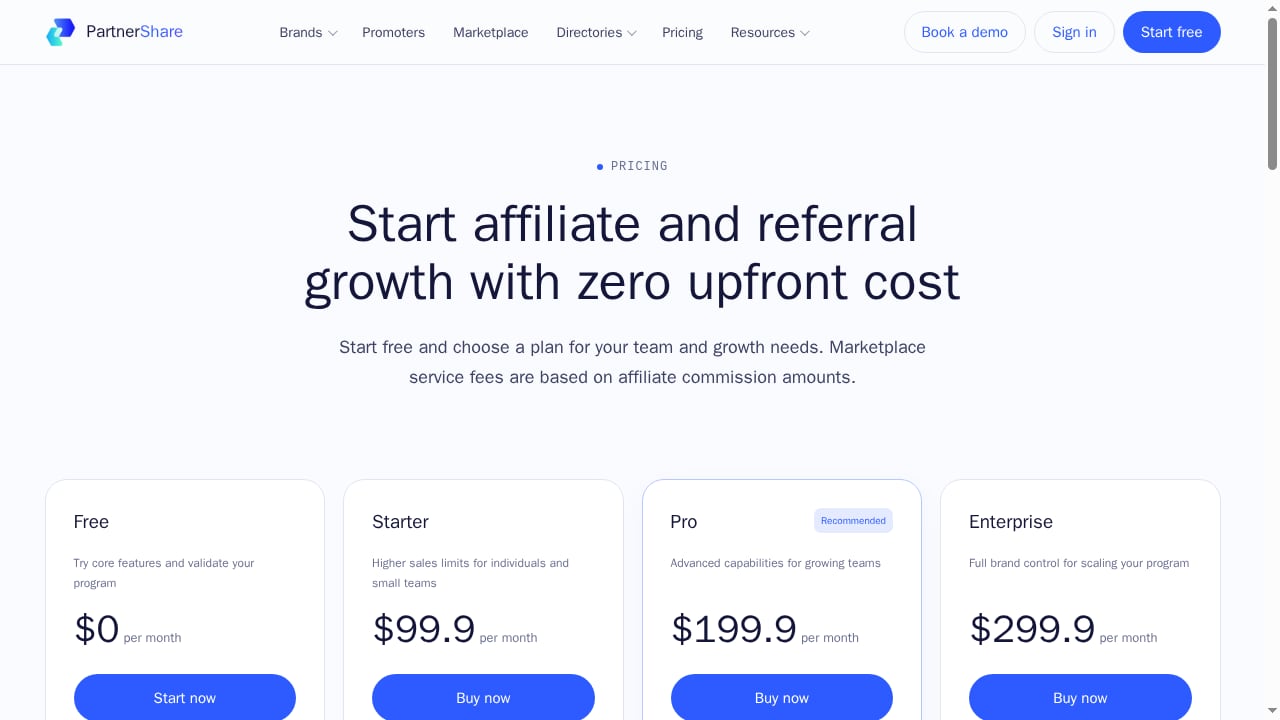
First viewport screenshot of www.partnershare.com.
It pays off when:
- You run paid acquisition and affiliate programs simultaneously and need one conversion truth.
- Your sales cycle is long enough that last-click browser tracking is unreliable.
- You want to optimize ad spend based on partner-sourced conversions, not just direct ones.
- You need auditable commission records alongside media buying reports.
It may be overkill when:
- You run a small referral program with a handful of promoters and no paid media.
- You only need payout automation and have no interest in channel-level attribution.
- Your team lacks the technical capacity to maintain postback mappings and click ID conventions.
For teams comparing affiliate platforms first, see our PartnerShare vs Referly comparison and the PartnerShare vs Referral Rock breakdown. If you are still selecting a network, the top affiliate and partner marketing networks for 2026 is a useful starting point.
Common pitfalls to avoid
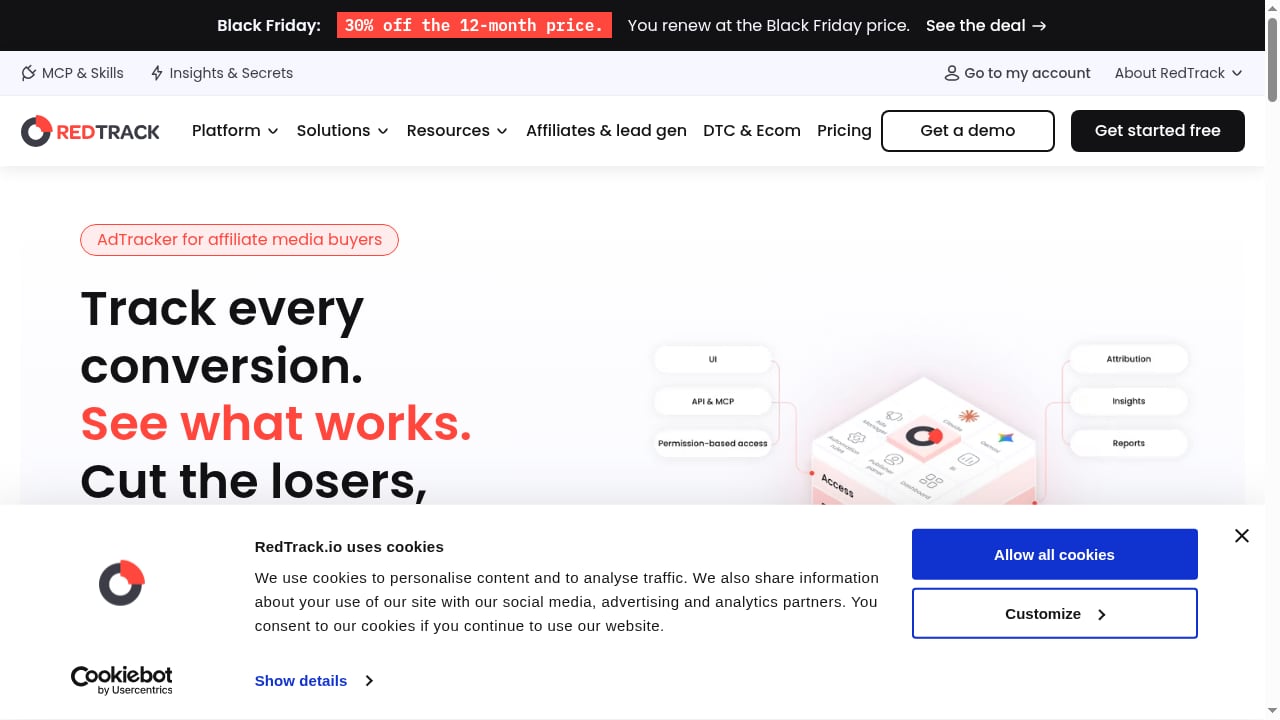
First viewport screenshot of www.redtrack.io.
- Mismatched click ID parameters. If PartnerShare sends
clickidand RedTrack expectsclick_id, nothing attributes. Document the convention. - Double-counting conversions. Decide whether PartnerShare or RedTrack is the source of truth for commissionable events, and make the other system mirror it.
- Ignoring currency. PartnerShare supports multi-currency payouts; RedTrack reports revenue in your account currency. Reconcile before month-end.
- Skipping the test transaction. Always validate with a real click and a real conversion before launch.
- Forgetting consent and privacy rules. Server-side tracking still needs to comply with your privacy policy and regional regulations.
Related reading
- PartnerShare vs Tradedoubler vs Affiliatly: 2026 Comparison - Compare PartnerShare, Tradedoubler, and Affiliatly for SaaS affiliate and referral programs. See strengths, pricing models, and which fits your growth stage.
- Referly Review 2026: Affiliate Software for Agencies & SaaS - Evidence-based Referly review: ideal users, use cases, strengths, limits, pricing signals, setup, and decision criteria for agencies, SaaS, and eCommerce.
Sources and further reading
- Best adult ad networks for AI companion offers in 2026: TrafficJunky vs ExoClick vs TrafficStars - Best adult ad networks for AI companion offers compared: TrafficJunky, ExoClick, TrafficStars, JuicyAds formats, deposits, CPMs, bidding and when to use them.
- Child Care Assistance Program Policies and Procedures Manual - Under the TANF structure, the federal government provides a block grant to the states, which use these funds to operate their own programs. States can use ...
- #ambitious | Snapchat - Watch the latest #ambitious videos on Snapchat.
FAQ
Does PartnerShare integrate natively with RedTrack?
Both platforms support postback-based conversion tracking, which is the standard way to connect an affiliate platform to an ad tracker. Check current integration documentation in each dashboard before setup, since parameter names and UI locations change.
Which tool should be the source of truth for commissions?
PartnerShare should own commission calculation and payouts, because that is its core function. RedTrack should mirror the conversion for attribution and optimization. Keeping one owner prevents disputes.
Can I track trials and paid subscriptions separately?
Yes. Configure separate conversion events in PartnerShare and map each to a distinct postback so RedTrack can report trial-to-paid rates by traffic source.
Do I need RedTrack if I only run an affiliate program?
Not necessarily. RedTrack adds value when you also buy media or need cross-channel attribution. A pure affiliate program can run on PartnerShare alone.
How do I handle refunds and chargebacks?
PartnerShare includes chargeback protection and commission adjustment tools. Make sure refund events also post back to RedTrack so attribution reports reflect net revenue, not gross.
Conclusion
PartnerShare and RedTrack solve different halves of the same problem. PartnerShare gives you the program infrastructure — promoter recruitment, referral tracking, commission automation, and global payouts. RedTrack gives you the attribution layer — server-side click capture, cross-channel reporting, Conversion API enrichment, and automated optimization.
Connect them with a clean postback, agree on one click ID convention, and test end to end before scaling. The payoff is a single conversion record that tells you both which partner earned the commission and which channel deserves more budget — which is exactly the decision most SaaS growth teams struggle to make with separate tools.