How to Use PartnerShare with PayQuicker for Global Payouts
Affiliate and referral programs only work when promoters trust that they'll be paid accurately and on time. For SaaS teams with partners scattered across the globe, that trust is hard to earn manually. PartnerShare handles the tracking and commission logic, while PayQuicker handles the money movement. Together, they let you run a performance-based growth engine without building a payments stack from scratch.
This guide explains how the two platforms complement each other, walks through the setup, and shows what the combined workflow looks like in practice.
Why pair PartnerShare with PayQuicker?
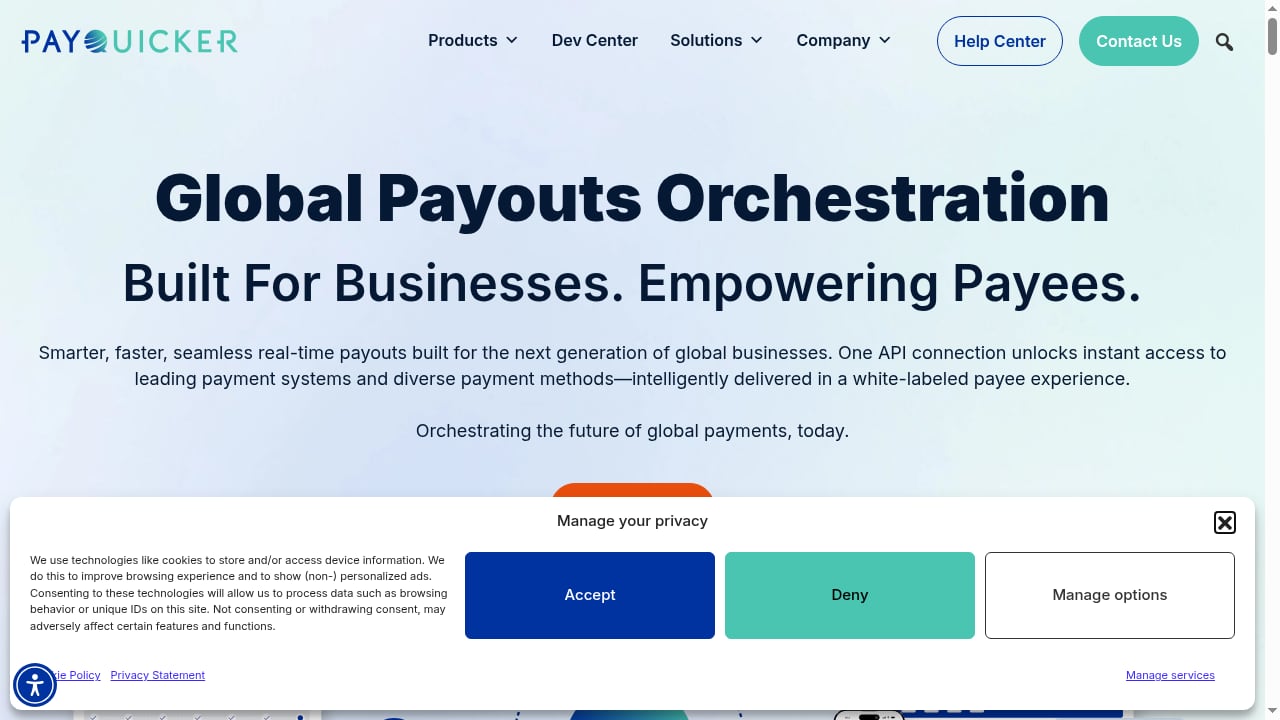
First viewport screenshot of payquicker.com.
PartnerShare is built for SaaS affiliate and referral programs. It gives you an affiliate marketplace, in-product referral tracking, automated commission calculations, fraud protection, and multi-currency support. What it doesn't try to be is a global payout rail.
PayQuicker is a payouts orchestration platform. It connects to banks and payment networks across 210+ countries and territories, supports 80+ currencies, and lets payees choose how they receive funds—bank transfer, physical or virtual card, mobile wallet, cash, or check. It also handles KYC and 1099 tax filing.
The combination solves a specific problem: you can recruit and reward promoters worldwide without opening a dozen local payment accounts or manually reconciling spreadsheets. PartnerShare decides who gets paid and how much; PayQuicker delivers the funds in the format each payee prefers.
How the two platforms divide the work
First viewport screenshot of payquicker.com.
| Function | PartnerShare | PayQuicker |
|---|---|---|
| Affiliate recruitment and marketplace | Yes | No |
| Referral tracking and attribution | Yes | No |
| Commission rules and calculations | Yes | No |
| Fraud and chargeback protection | Yes | No |
| Global payout rails and currency conversion | No | Yes |
| Payee KYC and onboarding | Partial | Yes |
| Tax reporting (e.g., 1099) | No | Yes |
| Payee payout method selection | No | Yes |
In short, PartnerShare is the system of record for program performance. PayQuicker is the system of record for disbursement.
Step-by-step setup
First viewport screenshot of payquicker.com.
Step 1: Configure your PartnerShare program
Before any payout can happen, your program needs structure. In PartnerShare:
- Add your product details, commission rules, and marketing assets.
- Decide whether you're running an affiliate program, a customer referral program, or both.
- Set commission tiers, recurring commission rules, and any hold periods.
- List your program in the PartnerShare marketplace so promoters can discover it.
If you're still choosing an affiliate platform, our PartnerShare vs PartnerStack comparison covers how the two differ for SaaS teams at different stages.
Step 2: Connect PayQuicker as your payout destination
Once your program is live and commissions start accruing, configure PayQuicker as the disbursement layer. The exact connection method depends on your plan and integration options; in most setups you'll either use an API connection or a supported payout integration from your PartnerShare account settings.
During this step you'll typically:
- Create or connect your PayQuicker business account.
- Confirm the currencies you'll pay out in.
- Set your funding source and treasury preferences.
- Define default payout schedules (e.g., monthly or on-demand).
Step 3: Let payees choose their payout method
One of PayQuicker's strongest features is beneficiary-directed payment. Instead of forcing every promoter into a bank transfer, you can let them pick from:
- Direct bank deposit
- Virtual card (usable online or loaded to Apple Pay/Google Pay)
- Physical card
- Mobile wallet
- Cash pickup or check, where available
PayQuicker's help center explains how virtual cards work and how cardholders manage balances and authorization holds. This matters for promoters in markets where bank transfers are slow or expensive.
Step 4: Automate commission settlement
PartnerShare generates settlement details from your commission rules. You review them, approve the batch, and the payout instruction flows to PayQuicker. PayQuicker then routes each payment through the optimal rail for that payee's country and chosen method.
For a deeper look at how tracking and settlement work inside PartnerShare, see the PartnerShare help center.
Step 5: Monitor, reconcile, and report
After payouts run, reconcile PartnerShare's commission records against PayQuicker's disbursement reports. Because both platforms keep transaction-level records, you can trace any discrepancy back to a specific click, signup, or deal.
A practical example: paying 40 affiliates across 12 countries
Imagine a SaaS company with 40 active affiliates in the US, UK, Germany, Nigeria, India, Brazil, and six other markets. Commissions range from $20 to $2,000 per month.
Without an orchestration layer, the finance team would need to:
- Collect banking details from each affiliate
- Handle currency conversion manually
- Manage KYC checks in multiple jurisdictions
- Chase tax forms
- Process dozens of individual transfers
With PartnerShare and PayQuicker:
- PartnerShare tracks each affiliate's referrals and calculates monthly commissions.
- The team reviews the settlement batch in PartnerShare and approves it.
- PayQuicker onboards each payee through its KYC flow and lets them choose a payout method.
- Funds are disbursed in local currencies, with PayQuicker optimizing for speed or cost.
- Tax reporting is handled automatically where applicable.
The finance team touches the process once—at approval—instead of forty times.
Problems the combination solves
Cross-border payment friction
Sending money to affiliates in emerging markets is slow and expensive through traditional wires. PayQuicker's network of banks and payment rails reduces both cost and delay.
Manual reconciliation errors
When tracking and payout live in separate spreadsheets, mistakes multiply. PartnerShare's automated commission calculations and PayQuicker's transaction records create a clean audit trail.
Compliance burden
KYC and tax reporting are handled by PayQuicker, so you're not collecting passports and tax forms yourself. PartnerShare's fraud and chargeback protection adds another layer on the program side.
Promoter trust
Affiliates who can choose how they get paid—and see funds arrive quickly—are more likely to stay active. That retention compounds over time.
When this combination makes sense—and when it doesn't
First viewport screenshot of payquicker.com.
| Your situation | Recommended approach |
|---|---|
| Affiliates in 1–2 countries, all want bank transfer | PartnerShare's built-in payout options may be enough |
| Affiliates across 5+ countries with mixed payout preferences | PartnerShare + PayQuicker |
| You need automated 1099 filing for US payees | PartnerShare + PayQuicker |
| You're pre-revenue and testing referrals | Start with PartnerShare's free tier |
| You already have a payout provider with global rails | Evaluate integration compatibility before switching |
If you're comparing affiliate platforms more broadly, our top 10 affiliate tracking software list covers tracking accuracy, integrations, and scalability.
Related reading
- PartnerShare vs Tolt vs Partnerize: Best Affiliate Software for SaaS - Compare PartnerShare, Tolt, and Partnerize for SaaS affiliate programs. See which platform fits your stage, billing stack, and growth goals in 2026.
- PartnerShare vs Partnero: Affiliate & Referral Program Comparison - Compare PartnerShare and Partnero for SaaS affiliate and referral programs. See how marketplace recruitment, pricing, and payouts differ so you can choose.
- Aspire Review 2026: Influencer Platform Fit, Pricing & Limits - Evidence-based Aspire review for ecommerce brands: creator discovery, campaign management, pricing signals, setup, limitations, and who should buy it.
Sources and further reading
- PartnerShare Help Center - PartnerShare Help Center
FAQ
Does PartnerShare include PayQuicker, or do I need both?
They are separate products. PartnerShare manages your affiliate and referral program; PayQuicker handles global disbursement. You need both if you want automated cross-border payouts with payee choice.
Can affiliates choose their own payout method?
Yes. Through PayQuicker, payees can select from bank transfer, virtual or physical card, mobile wallet, cash, or check, depending on their country.
How long do payouts take?
PayQuicker positions itself as enabling real-time payouts, though actual timing depends on the destination country, payout method, and your funding setup. Card and wallet payouts are typically faster than bank transfers.
Does PayQuicker handle taxes?
Yes, PayQuicker offers automated 1099 tax filing for applicable payees. PartnerShare does not handle tax reporting.
What currencies are supported?
PayQuicker supports 80+ currencies across 210+ countries and territories. PartnerShare supports multi-currency commission tracking.
Is there a free way to start?
PartnerShare offers a free tier with limited sales volume, so you can launch a program before committing to paid plans. PayQuicker pricing depends on your payout volume and method mix.
Conclusion
PartnerShare and PayQuicker solve different halves of the same problem. PartnerShare answers "who earned what?" and PayQuicker answers "how do they get it?" For SaaS teams running affiliate or referral programs with international promoters, connecting the two turns a manual, error-prone finance task into an automated workflow.
Start by structuring your program in PartnerShare, then layer in PayQuicker when your payout volume and geographic spread justify it. The result is a growth engine that pays its contributors reliably—which is the foundation of any long-term partner relationship.